Maintain Your Smart Plugs for a Longer Lifespan

Maintain Your Smart Plugs for a Longer Lifespan
Smart plugs have become a staple in many Canadian homes, offering convenience and energy efficiency by allowing you to control lamps, coffee makers, and other appliances from your phone or through voice assistants. But like any electronic device, they need a bit of care to stay in good shape. With proper maintenance, you can extend their lifespan and avoid unnecessary replacements. Here’s how to keep your smart plugs working reliably for years to come.
Keep Them Clean and Dust-Free
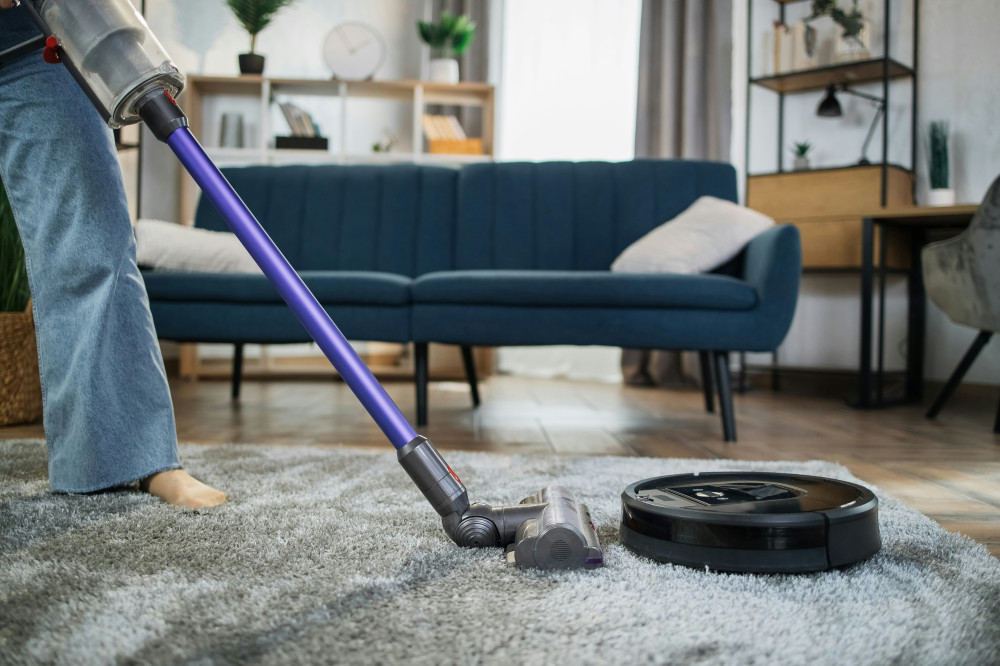
Dust and dirt are the enemies of electronics. Over time, they can build up around outlets and connectors, affecting performance and even causing overheating. Wipe your smart plugs with a dry or slightly damp microfiber cloth every few weeks. Avoid using cleaning sprays or harsh chemicals, as moisture can seep into the electronics and cause damage. If your plug is located behind furniture or near the floor—common dust zones—use a small vacuum with a brush attachment to remove buildup.
Avoid Overloading
Smart plugs are convenient, but they’re not designed to handle unlimited power. Always check the maximum load rating listed by the manufacturer—usually between 10 and 15 amps in Canada. Don’t use smart plugs with high-power devices like space heaters, portable air conditioners, or large kitchen appliances unless the plug is specifically rated for them. Overloading can shorten the plug’s lifespan and, in extreme cases, pose a fire risk.
Keep Software Up to Date
Most smart plugs connect to an app that lets you schedule and control devices remotely. These apps also deliver firmware updates that improve security and performance. Make sure your plugs are running the latest software. Many brands offer automatic updates, but it’s wise to check manually a few times a year. Regular updates not only fix bugs but also help your devices stay compatible with evolving smart home systems.
Protect from Moisture and Temperature Extremes
Electronics perform best in dry, stable environments. Avoid placing smart plugs in damp areas like bathrooms or laundry rooms unless they’re specifically rated for moisture resistance. In Canada, where temperatures can swing from freezing winters to hot summers, it’s especially important to use weatherproof models outdoors or in unheated spaces like garages. Extreme cold can make plastic brittle, while heat and humidity can damage internal components.
Check Connectivity and Restart When Needed
If your smart plug suddenly stops responding, a simple restart often does the trick. Unplug it, wait a few seconds, and plug it back in. Persistent connection issues may be caused by weak Wi-Fi signals or interference from walls and metal objects. Try moving your router closer or adding a Wi-Fi extender to improve coverage. A stable connection helps your smart plugs operate smoothly and reduces wear from repeated reconnections.
Use Them Wisely
Smart plugs are built for regular use, but constant switching can wear down the internal relay. If you’re using one for a lamp that’s turned on and off many times a day, consider setting up schedules or motion sensors to reduce unnecessary toggling. The goal is balance—use your smart plugs actively, but avoid excessive switching that can shorten their mechanical life.
Læs også:
Know When to Replace
Even with good care, electronics don’t last forever. If a smart plug feels unusually hot, emits a burning smell, or stops responding reliably, it’s time to replace it. Dispose of old or damaged plugs responsibly by taking them to an electronics recycling depot. Many Canadian municipalities offer drop-off points for e-waste, ensuring materials are recycled safely.
A Little Care Goes a Long Way
Smart plugs make daily life easier and more efficient, but they deserve a bit of attention to perform their best. With regular cleaning, software updates, and mindful use, you can extend their lifespan, save money, and keep your smart home running safely and smoothly.
Læs også: